
Feed
Restore Hunger and keep your cat satisfied.

Friendly PC care
Enjoy local pet care and Windows health tools, protect adult settings with Child Mode, and connect up to five PCs in one private household dashboard.

Child Care
HouseCat gives children a simple pet-care routine while adult computer tools stay protected. Care works locally without an account, payment, pairing, or internet.
Restore Hunger and keep your cat satisfied.

Refresh Thirst and keep your cat comfortable.

Build Affection with a quick cuddle.

Boost Happiness and brighten your cat’s mood.

Restore Cleanliness and keep the room fresh.
Restore Energy, then wake your cat when ready.
Each activity finishes before another begins, so progress stays clear and easy to follow.
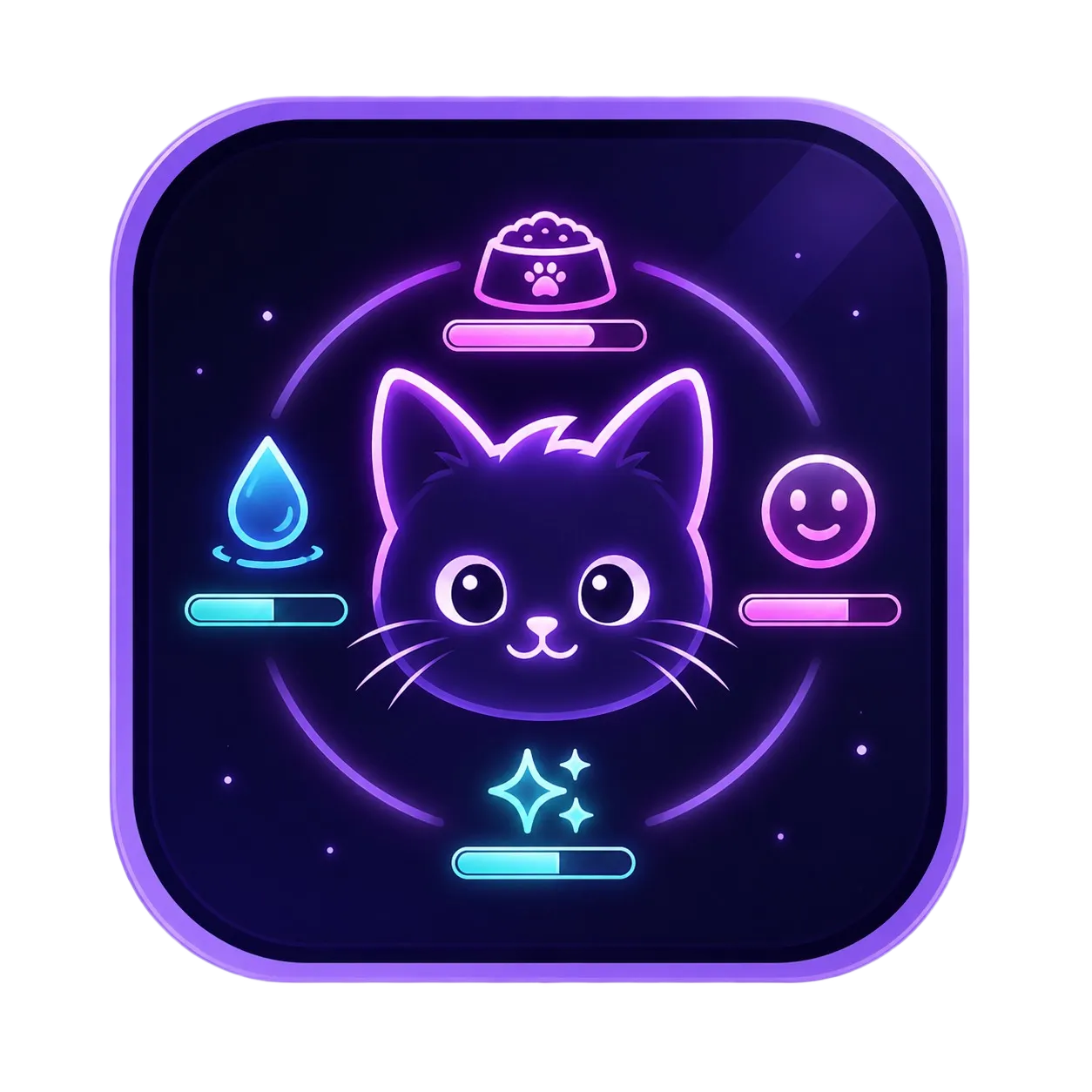
Hunger, Thirst, Energy, Happiness, Affection, Wellness, and Cleanliness shape your cat’s mood and recovery.
Care progress is saved through app and Windows restarts, including sleep and recovery.
Children can care for the cat while settings, PC tools, connected controls, and exit options remain protected for adults.
Choose how HouseCat works
Start with permanent local tools. Network Rescue is a separate free application. Connected Household adds a private dashboard without taking away local operation.

No account required
Use the desktop cat, Child Care, Child Mode, PC Health, update scanning, safe maintenance, local history, and report export entirely on the Windows PC.
Separate local application
A focused local rescue application for one Windows PC. It does not require a HouseCat account or Connected Household subscription.
Ongoing household access
Connect up to five Windows PCs to one private dashboard for health summaries, alerts, app-to-app messaging, Family & Care status, pairing, revocation, and audit history.
Temporary connected access
No card
One paired PC, basic dashboard, health summary, pairing, approved alerts, and reports. Messaging and Parent Lock management are not included.
One-time connected access
A time-limited connected health window for one computer. It does not include household messaging, roles, or Parent Lock management.
Issued by FlaroCity
Support-issued connected health access for one approved device. It expires automatically and does not become a subscription.
What HouseCat watches
HouseCat focuses on Windows health, hardware status, updates, crashes, Care, and approved maintenance—not personal documents.
Windows version, CPU, memory, disks, GPU details, uptime, pending restart, crashes, shutdown evidence, and temperatures when supported.
HouseCat self-updates, Windows Update status, WinGet application updates, history, and restart requirements.

Built-in Windows health scans, careful cleanup, restart scheduling, local history, reports, and support bundles.

Private device summaries, app-to-app messaging, alerts, Family & Care status, pairing, revocation, and audit history for eligible accounts.

Privacy by mode
Desktop HouseCat and Child Care remain local. Network Rescue is a separate local application. Connected access is optional, device access is revocable, and an already-enabled local Parent Lock is never disabled merely because the internet or server is unavailable.
Read the privacy approach →